
FI Tools Review: Why ArtSpace.ai Fits Perfectly Into Our FI Tools Workflow


speed, clarity, and tools that help creators jump from idea to visual without friction.
ArtSpace.ai gives us something precious in daily production: a fast, stable, creator-friendly environment that handles the practical jobs we perform every single day.
From FutureImaging’s vibrant pillows to SugarSpikedApparel’s apparel mockups, our workflow thrives on:
- Quick model edits
- Clothing/graphic swaps
- Background changes
- Clean room-set mockups
- Simple controls anyone can jump into
This is where ArtSpace shines.
It doesn’t overwhelm newcomers, and it respects the time of experienced creators who need frictionless tools — especially for L, who builds SugarSpikedApparel’s product mockups with speed and clarity.
The Ease Factor — Why ArtSpace Clicks With Our Flow
What makes ArtSpace special isn’t just features — it’s the feel.
When L sits down to update SugarSpikedApparel.com or when I’m refining FI designs, ArtSpace removes the friction. The interface is clean, the tools respond instantly, and the learning curve stays flat.
Instead of slowing us down or overwhelming the process, ArtSpace lets us move from idea → edit → finished asset with smooth momentum. That’s rare, especially in a world where most creative platforms bury simple tasks behind complex menus.
Why SugarSpikedApparel.com Connects With ArtSpace Instantly
SugarSpikedApparel.com tapped into ArtSpace faster than any other tool in our flow.
There’s no steep learning curve — just drop in a mockup, type the idea, and watch the edit land exactly where it belongs.
Shirt swaps, hair adjustments, accessory edits, pose variations, color harmony — all done without heavy software or advanced retouching skills.
And for fast-paced apparel production, that kind of simplicity is everything.
ArtSpace gives SugarSpikedApparel.com:
- Quick model pose variations
- Effortless shirt-color changes
- Fast mockup refinement for product pages
- A clean editing pipeline that supports high-volume releases
It frees up creative energy instead of draining it —
and when SugarSpikedApparel.com is flowing, FutureImaging flows right along with it.
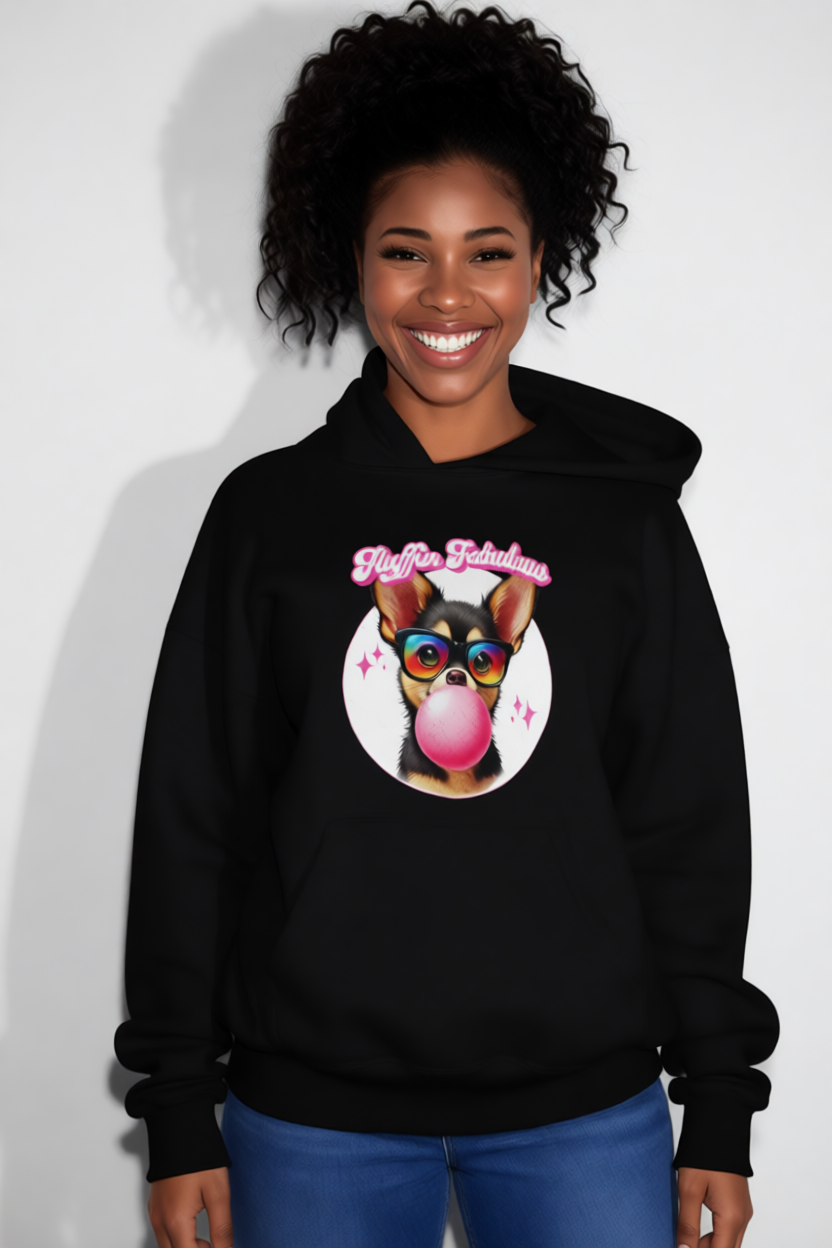

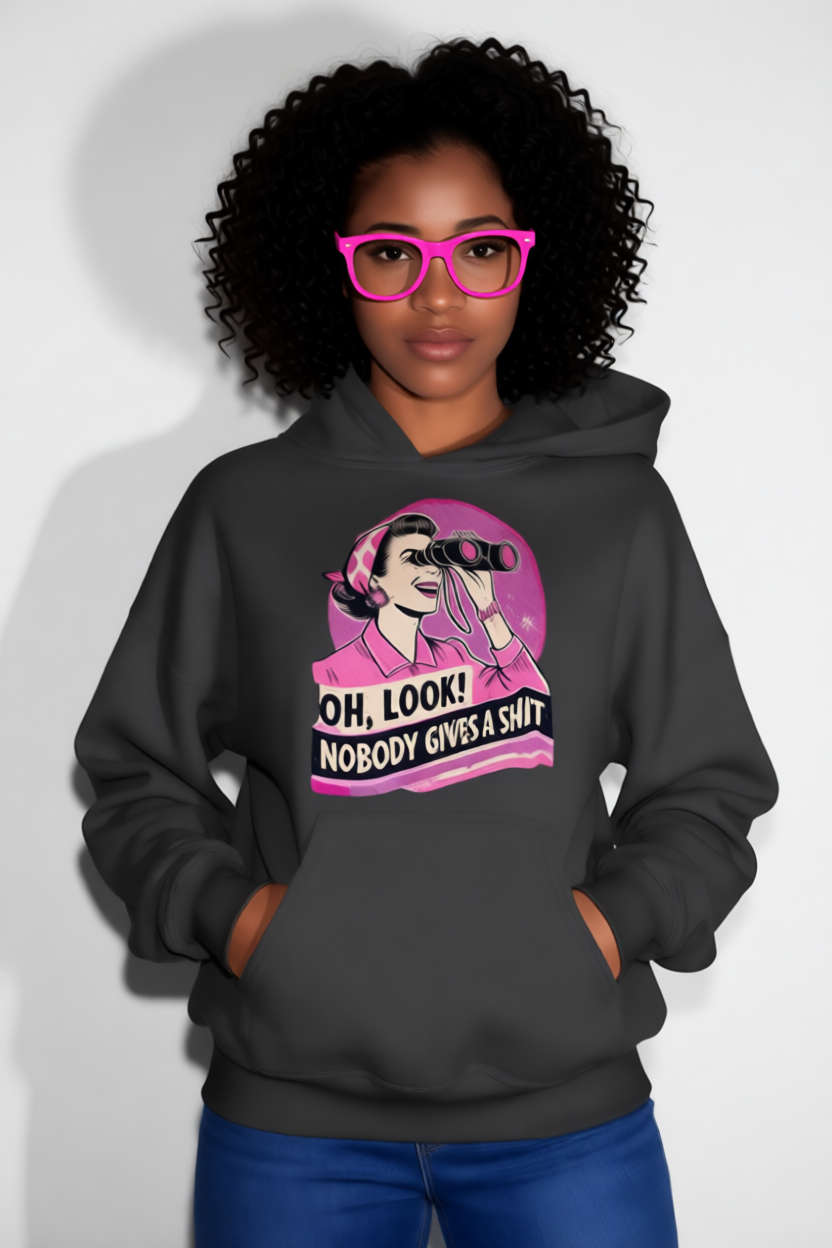
How ArtSpace.ai Fits Into the FI Tools Workflow
Inside FutureImaging’s FI Tools ecosystem, every app has a purpose.
ArtSpace.ai sits in the lane where speed, consistency, and ease-of-use matter most. It’s the tool we reach for when we want to move quickly from concept → clean mockup → publish-ready visuals without slowing down creative flow.
A typical FI Tools workflow looks like this:
- Import the product image or mockup
(hoodies, pillows, t-shirts, tote bags, etc.) - Use ArtSpace’s editing features
to swap colors, clean edges, refine details, or modify accessories. - Generate alternate poses or angles
for stores like FutureImaging.store and SugarSpikedApparel.com. - Export final images
that slot directly into product listings or social media promos.
ArtSpace doesn’t overcomplicate the process—
and that’s why it earns its place as one of our daily FI Tools.
Explore ArtSpace.ai Through FI Tools
If you’re building a creative workflow that values speed, clarity, and simplicity, ArtSpace.ai is one of the strongest tools you can add to your pipeline.
We use it daily across FutureImaging and SugarSpikedApparel.com — and the momentum it brings into our production flow is real.
Below are our official affiliate links for both subscription and lifetime options.
Image Credits
All visuals in this article were created using ArtSpace.ai as part of our FI Tools workflow.